What you receive
A private report beside your retained video, with evidence timestamps, visible strengths, priority corrections and relevant practice drills.
AI tennis video analysis
MotusMachine is an online tennis coaching aid that reviews your serve, groundstroke, volley or footwork video. It processes the complete clip, then gives you an unscored private report with visible phases, coaching corrections and drills.
Explore all eight written technique guides →Buy at least 1 analysis credit before the upload form becomes available; a successfully completed report uses it.
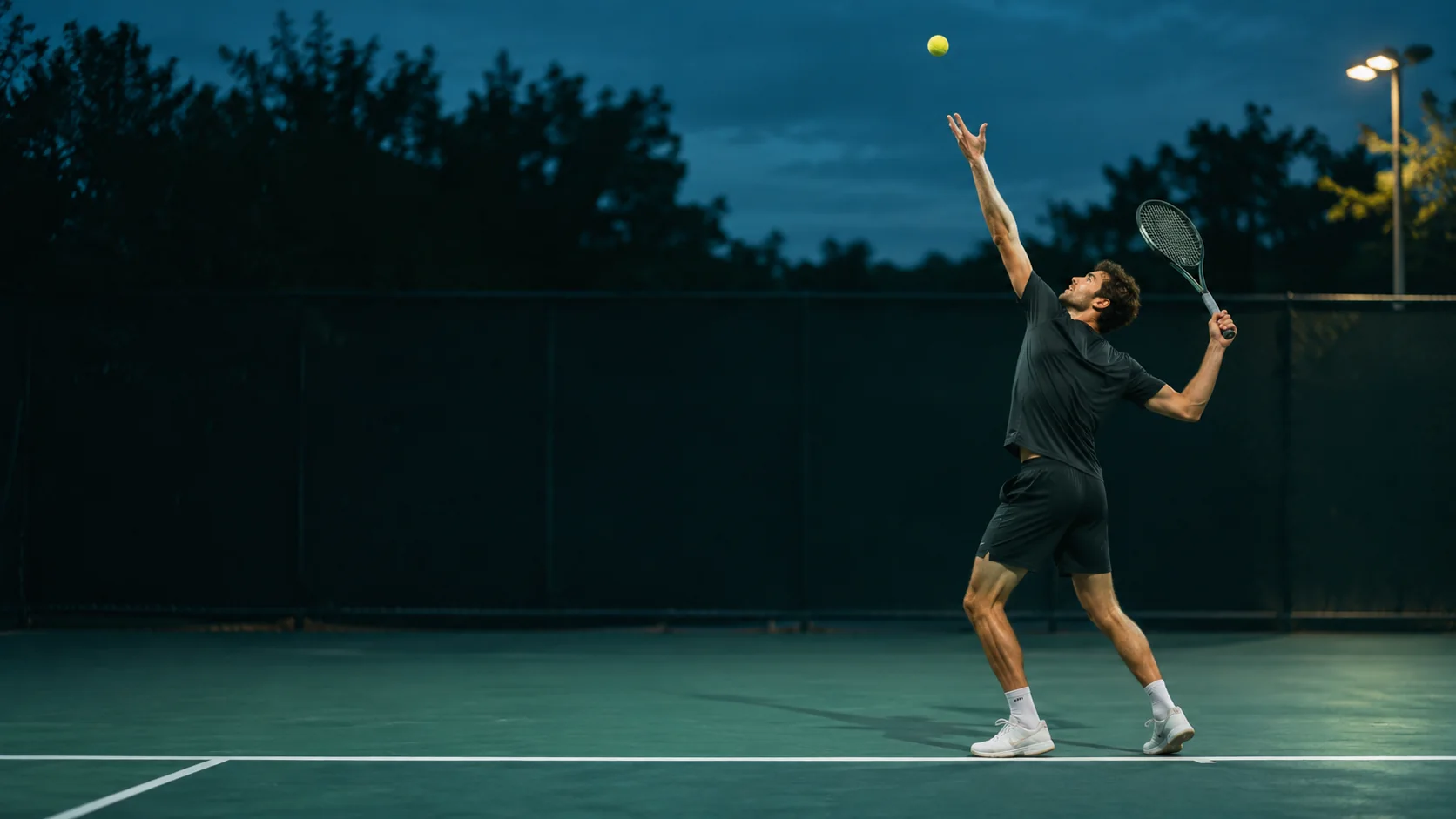
Online tennis coaching
Film one clear movement and use the report to inspect what the camera can show: preparation, spacing, loading, visible sequencing, contact context, follow-through, balance and recovery.
A private report beside your retained video, with evidence timestamps, visible strengths, priority corrections and relevant practice drills.
The full presented timeline for your chosen serve, forehand, backhand, volley, overhead, slice or tennis movement sequence.
It is not a medical assessment, an exact three-dimensional racket measurement or a replacement for a qualified tennis coach who can see the whole player on court.
Tennis movement review
Review serves, forehands, one- and two-handed backhands, volleys, overheads, slices and court movement. The private worker follows visible preparation, spacing, loading, contact, follow-through, balance and recovery where the player, racket and ball remain visible.
Video analysis & technique guide
Review serves, groundstrokes, net play and court movement through preparation, spacing, loading, contact, follow-through, balance and recovery.
How it works
Secure payment unlocks the private upload form. The form and upload endpoint stay unavailable while your balance is zero.
Use 1–60 seconds of clear footage, up to 250 MB. The worker processes the ordered timeline; you do not mark the contact frame.
Your retained video appears with the report. Event timestamps help you inspect each finding in context.
Use the Tennis technique guide to discuss one focus with your coach. Film the next attempt from a similar angle for a useful comparison.
Questions answered
Clear answers about online tennis video coaching, purchased credits, privacy and the limits of a single camera view.
AI tennis coaching uses recorded tennis footage to identify visible stroke phases, spacing, balance and recovery. MotusMachine turns those observations into a private report with timestamps, corrections and drills to discuss with a qualified coach.
Create an account, buy analysis credits, choose a tennis movement and upload a clear 1–60 second video. MotusMachine reviews the complete clip and saves a private report beside the footage. Each successfully completed report uses 1 purchased credit.
MotusMachine covers the serve, forehand, one-handed backhand, two-handed backhand, volley, overhead or smash, slice, and general tennis footwork and court movement.
No. MotusMachine is an online coaching aid for reviewing visible movement in one video. It cannot see everything a coach can assess on court, and it does not provide medical advice, injury diagnosis or a complete personalised training plan.
Each successfully completed tennis video report uses 1 purchased analysis credit. Failed analyses do not use a credit. Current credit packs and prices are shown on the Buy credits page.
Uploads are connected to your account and reports are visible only in your private workspace. Retained video is scheduled for automatic deletion under the stated retention period, while your saved report remains available in your account.
Start with one tennis stroke or movement sequence.
Analyse your tennis video